
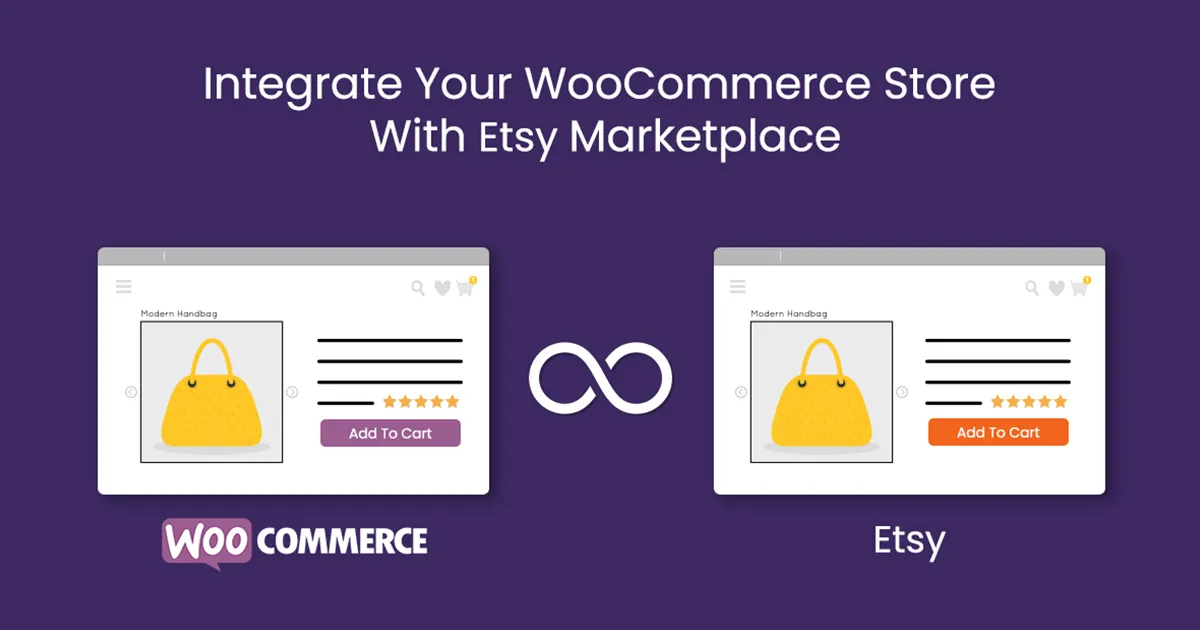


The Etsy Integration for WooCommerce plugin is designed to bridge your WooCommerce store with Etsy, a popular e-commerce platform for handmade, vintage, and unique items. This integration allows store owners to easily sync their products, orders, and inventory between WooCommerce and Etsy. This makes it much easier to manage both platforms from a single location and expand your reach to Etsy's massive customer base while managing everything from your WooCommerce backend.
Key Features of Etsy Integration for WooCommerce
- Product Synchronization:
- Sync products between WooCommerce and Etsy. This includes importing your WooCommerce products to Etsy or vice versa, ensuring that you don't have to manually update both platforms.
- The plugin automatically synchronizes product details such as:
- Titles
- Descriptions
- Prices
- Images
- Inventory levels
- You can also update or delete products on Etsy directly from the WooCommerce dashboard.
- Inventory Management:
- Automatically sync the inventory between WooCommerce and Etsy, ensuring that your stock levels are always up-to-date. If you sell a product on one platform, the inventory will be updated on both platforms.
- This reduces the risk of overselling or running out of stock, especially when you are managing sales across multiple platforms.
- Order Syncing:
- Orders placed on Etsy are automatically synced with WooCommerce, so you can manage all your orders from one dashboard.
- You can process orders from both platforms in the same place, streamlining your workflow and reducing the need to jump between the two platforms.
- Etsy orders include customer details, shipping information, and payment data, which are synced into WooCommerce.
- Shipping Integration:
- The plugin supports shipping integration, allowing you to use the same shipping methods across WooCommerce and Etsy.
- You can manage and print shipping labels from WooCommerce, and Etsy's shipping information will automatically sync, making it easier to fulfill orders.
- Pricing Synchronization:
- The plugin allows you to set pricing rules to automatically update prices between Etsy and WooCommerce. For example, you could set a specific markup or discount when syncing products to Etsy.
- You can also adjust the currency settings to ensure the prices match based on the correct currency on both platforms.
- Category Mapping:
- WooCommerce products can be mapped to the appropriate Etsy categories to ensure that they appear in the correct section on the Etsy marketplace.
- You can define specific rules to automatically map categories based on your product types, helping you avoid manual category adjustments.
- Customizable Listing:
- The plugin provides flexibility to create custom Etsy listings by allowing you to specify details like product variations, shipping templates, and more.
- You can configure the visibility, promotion, and settings of your Etsy listings from WooCommerce.
- Order Status Updates:
- Once an order is processed or marked as shipped in WooCommerce, the order status will automatically be updated on Etsy, and vice versa. This ensures consistency between both platforms.
- You can also mark orders as shipped from WooCommerce, and the status will reflect on Etsy without having to log into Etsy separately.
- Bulk Syncing:
- The plugin allows you to bulk upload products from WooCommerce to Etsy, saving time if you have a large catalog.
- Similarly, you can also sync multiple products or orders at once, making management more efficient for store owners with extensive inventories.
- Automatic Syncing:
- The Etsy Integration for WooCommerce plugin supports automatic syncing on a set schedule, ensuring that your inventory and order details are always up-to-date across both platforms.
- Product Variations:
- It supports the syncing of product variations such as size, color, and other attributes. For example, if you have a t-shirt product with different sizes, the plugin ensures that those variations are synced correctly between WooCommerce and Etsy.
- Multi-Language & Multi-Currency Support:
- The integration can be configured for multi-language and multi-currency setups. This is particularly useful if you're selling internationally and need to adjust product listings based on regional settings.
Benefits of Etsy Integration for WooCommerce
- Expand Market Reach:
- By integrating Etsy with WooCommerce, you can take advantage of Etsy’s massive customer base while managing your store from the WooCommerce backend. This helps expand your business reach and sales opportunities.
- Save Time and Effort:
- Automating product syncing, inventory management, and order processing reduces the need to manually update multiple platforms. This saves you time and effort, allowing you to focus on growing your business.
- Improve Efficiency:
- With automatic synchronization of products, inventory, and orders, you can easily manage multiple sales channels. There’s no need to duplicate work across both platforms, reducing errors and enhancing operational efficiency.
- Simplify Order Fulfillment:
- Having all orders in one place (in WooCommerce) simplifies the order fulfillment process. You can fulfill Etsy orders through the WooCommerce system without switching between platforms.
- Seamless Customer Experience:
- The integration ensures that customers experience smooth interactions, whether they purchase from your WooCommerce store or Etsy. Order status updates and shipping information are automatically synced, reducing confusion for customers.
- Cost Efficiency:
- By automating tasks such as inventory updates, pricing adjustments, and order management, you can lower the overhead costs associated with running an online store across multiple platforms.
How to Set Up Etsy Integration for WooCommerce
- Install the Plugin:
- First, search for the Etsy Integration for WooCommerce plugin in the WordPress plugin repository or purchase it from a third-party provider. Once installed, activate it from your WordPress admin panel.
- Connect Etsy to WooCommerce:
- After activation, you’ll need to connect your WooCommerce store to your Etsy account. This is usually done by generating an API key or authenticating your Etsy account through the plugin’s settings.
- Configure Settings:
- Configure the synchronization settings, such as which products to sync, how often to sync, and what data should be transferred between WooCommerce and Etsy.
- Set up inventory syncing, product price adjustments, and shipping configurations.
- Map Categories and Variations:
- Ensure that your WooCommerce product categories are properly mapped to Etsy categories.
- If your products have variations (e.g., different sizes or colors), make sure those are synced correctly.
- Start Syncing Products:
- Once everything is set up, you can start syncing products from WooCommerce to Etsy, or vice versa, depending on your needs.
- Review your products on Etsy to ensure the listings are correct, and start managing orders and inventory from WooCommerce.
- Manage Orders:
- Orders made on Etsy will automatically show up in your WooCommerce order management system. You can fulfill and ship orders directly from WooCommerce, and the status will be updated on Etsy.






























