
The MotoPress Hotel Booking Notifier is an add-on for the MotoPress Hotel Booking Plugin for WordPress. It helps streamline the booking process by notifying property owners and managers when bookings are made or updated on their site. This add-on ensures that hotel or vacation rental managers stay on top of their reservations and can act quickly to manage their property.
Key Features of the MotoPress Hotel Booking Notifier:
- Instant Booking Notifications:
- Property owners and managers receive real-time notifications when a new booking is made, an existing booking is modified, or a booking is canceled.
- The notifications can be sent via email or SMS, depending on your configuration, ensuring you're always aware of changes and updates.
- Customizable Notification Templates:
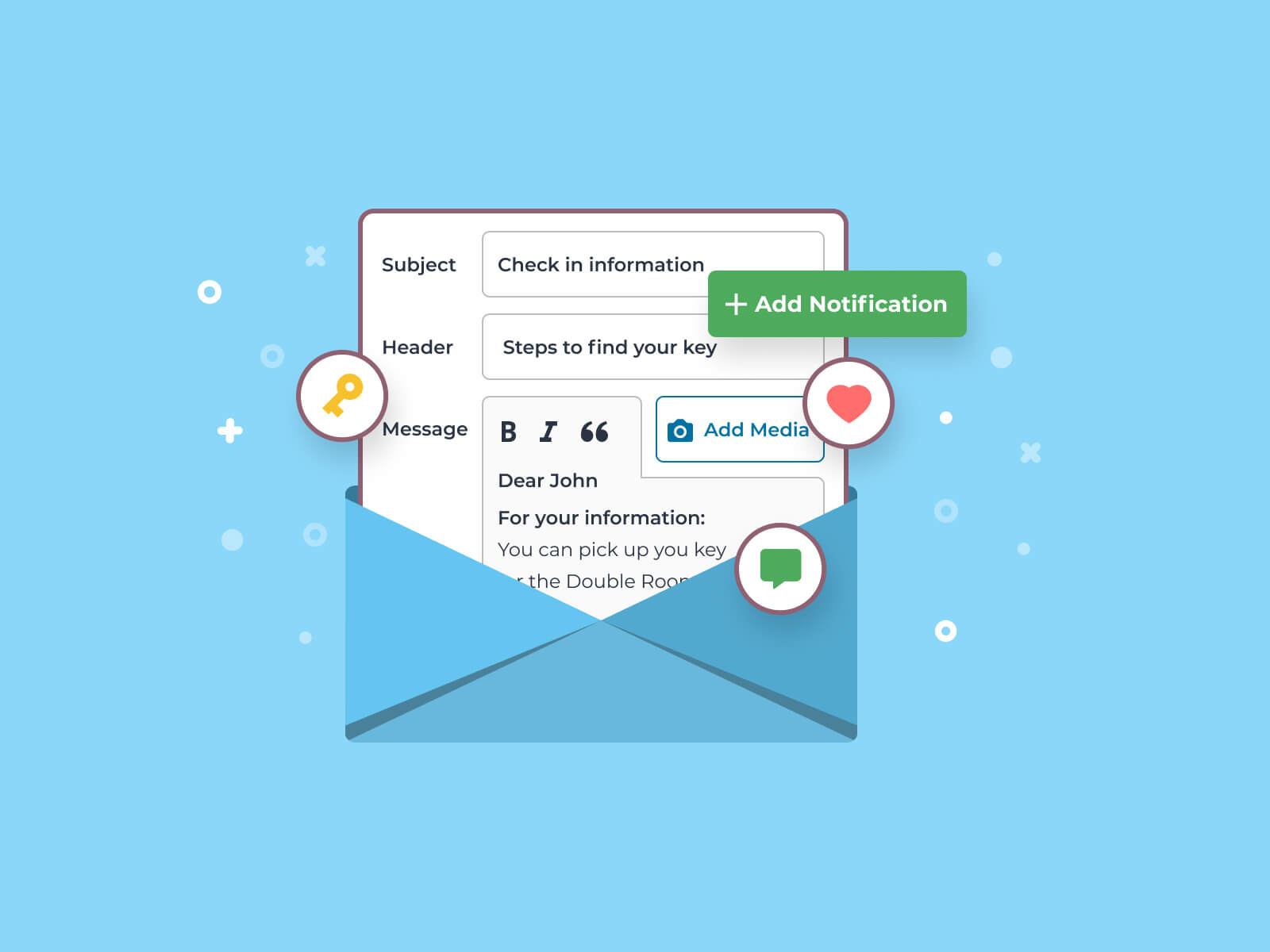
- The plugin allows you to customize the content of booking notification emails. This helps you tailor messages to match your brand’s tone and provide essential booking information such as guest names, dates, room types, and booking status.
- You can create different templates for different types of notifications (e.g., new bookings, canceled bookings, modified bookings).
- Automated Booking Management:
- Notifications are automatically sent when there are updates to the booking system. Whether it’s a guest cancellation, modification, or a new booking, the system ensures that the property manager or owner is immediately informed.
- This reduces the chances of missed bookings and helps in effective reservation management.
- Booking Status Alerts:
- The add-on notifies users whenever the status of a booking changes. For example, when a booking is marked as "confirmed" or "canceled," the property manager will receive an alert to take the necessary action.
- This feature helps keep booking records up-to-date and ensures that property managers are on top of all changes.
- Personalized Notifications for Guests:
- Not only do the property managers receive notifications, but guests can also be notified of the changes to their bookings (such as cancellations, modifications, or confirmations).
- You can set up automatic notifications to confirm guest bookings and send reminders about their upcoming stay.
- Real-Time Availability Updates:
- When a booking is made or changed, the availability calendar is automatically updated, and any notifications you receive will reflect these changes.
- This ensures that you never overbook your property and can offer guests up-to-date availability.
- SMS Integration:
- The plugin integrates with SMS gateways to send text message notifications. This ensures property managers are alerted immediately, even when they are away from their email or admin dashboard.
- It’s especially helpful for quick responses or updates in fast-paced environments where timely communication is important.
- Email Notifications for New Reservations:
- When a new reservation is made, property managers receive detailed emails containing information such as the guest's name, the room they booked, the check-in/check-out dates, and any special requests from the guest.
- These emails are typically designed to be easily readable and actionable for quick decision-making.
- Customizable Timing for Notifications:
- You can set specific timings for when you want to be notified. For example, you can choose to receive notifications when a booking is made, 24 hours before a check-in, or when a guest cancels their reservation.
- This helps manage booking operations more efficiently, especially if notifications need to be spaced out at particular times.
- Multi-Language Support:
- The Hotel Booking Notifier add-on supports multiple languages, which is especially useful for international businesses. You can set up the plugin to send notifications in different languages depending on the language of the guest making the reservation.
- Automatic Email Reminders:
- The plugin can send automated reminder emails to guests, reminding them of their upcoming bookings. This reduces no-shows and ensures that guests are prepared for their stay.
- You can also send reminders for check-out or other key information related to the guest's reservation.
Benefits of Using the MotoPress Hotel Booking Notifier:
- Better Communication:
- Having an automated notification system ensures that both property owners and guests stay informed about the status of reservations. This reduces the risk of misunderstandings or missed updates.
- It also enhances customer satisfaction by providing guests with prompt confirmation and reminders.
- Increased Efficiency:
- Notifications allow property managers to respond quickly to changes, cancellations, or new bookings. This enhances the efficiency of hotel or property management operations.
- Automated reminders for bookings and cancellations ensure timely action, reducing administrative tasks and errors.
- Real-Time Updates:
- With real-time booking and status alerts, property owners can keep their availability calendars up to date and prevent overbooking, ensuring a smooth operation.
- This functionality ensures you always know about any changes to your property’s availability, and you can adjust accordingly.
- Improved Customer Service:
- Personalized and timely notifications to guests improve the overall customer experience. Guests will appreciate receiving confirmation and reminders about their bookings, which helps them feel more prepared for their stay.
- The guest can also be informed of any changes to their booking promptly, giving them enough time to make adjustments or reach out if needed.
- Instant Action:
- Receiving notifications via SMS or email allows managers to take immediate action, whether it’s confirming a booking, updating availability, or responding to a guest’s special request. This helps ensure you don’t miss any important changes.
- Enhanced Productivity:
- By automating communication for bookings, cancellations, modifications, and reminders, the plugin saves time for property managers and reduces the manual effort required to send confirmation or reminder emails.
- With SMS integration, property managers can be on-the-go and receive notifications no matter where they are.
- Reduced No-Shows and Cancellations:
- Automated reminders reduce the chances of no-shows and cancellations by ensuring that guests remember their bookings and are prepared for their stay.
- Timely reminders can also prompt guests to confirm or modify their bookings before their scheduled check-in.
How to Install and Set Up the MotoPress Hotel Booking Notifier:
- Prerequisite: Install the MotoPress Hotel Booking Plugin:
- The Hotel Booking Notifier is an add-on for the MotoPress Hotel Booking plugin. You need to have the core Hotel Booking plugin installed and activated on your WordPress website.
- Install the Hotel Booking Notifier Add-On:
- After purchasing the Hotel Booking Notifier add-on, download it from your account page.
- In your WordPress dashboard, go to Plugins > Add New > Upload Plugin. Upload the add-on file and activate it.
- Configure the Plugin:
- Once activated, navigate to the Hotel Booking settings section.
- Under the Notifications tab, you can customize the templates for various notifications (e.g., booking confirmations, cancellations, reminders).
- Set up the email or SMS gateway integration (for SMS, you'll need a compatible SMS provider).
- Set Notification Timings:
- Define when you want to receive notifications for different events (new booking, cancellations, etc.).
- You can choose to receive notifications immediately, or schedule them for specific times based on the type of update.
- Test Notifications:
- Test the notification system by making a booking, modifying one, and canceling it to ensure that all notifications are working as expected.
- Customize Your Messages:
- Use the customizable templates to tailor your messages to your guests. Add personalized elements like guest names, booking details, or check-in instructions.
- Activate SMS Notifications (Optional):
- If you wish to receive notifications via SMS, integrate an SMS gateway (e.g., Twilio, Nexmo). Enter your credentials into the settings and enable SMS notifications.






![Booknetic - Appointment Booking & Appointment Scheduling & Calendar reservation [SaaS]](https://gplpixel.com/wp-content/uploads/2024/06/Booknetic-Appointment-Booking-Appointment-Scheduling-Calendar-reservation-SaaS-400x203.jpg)























