
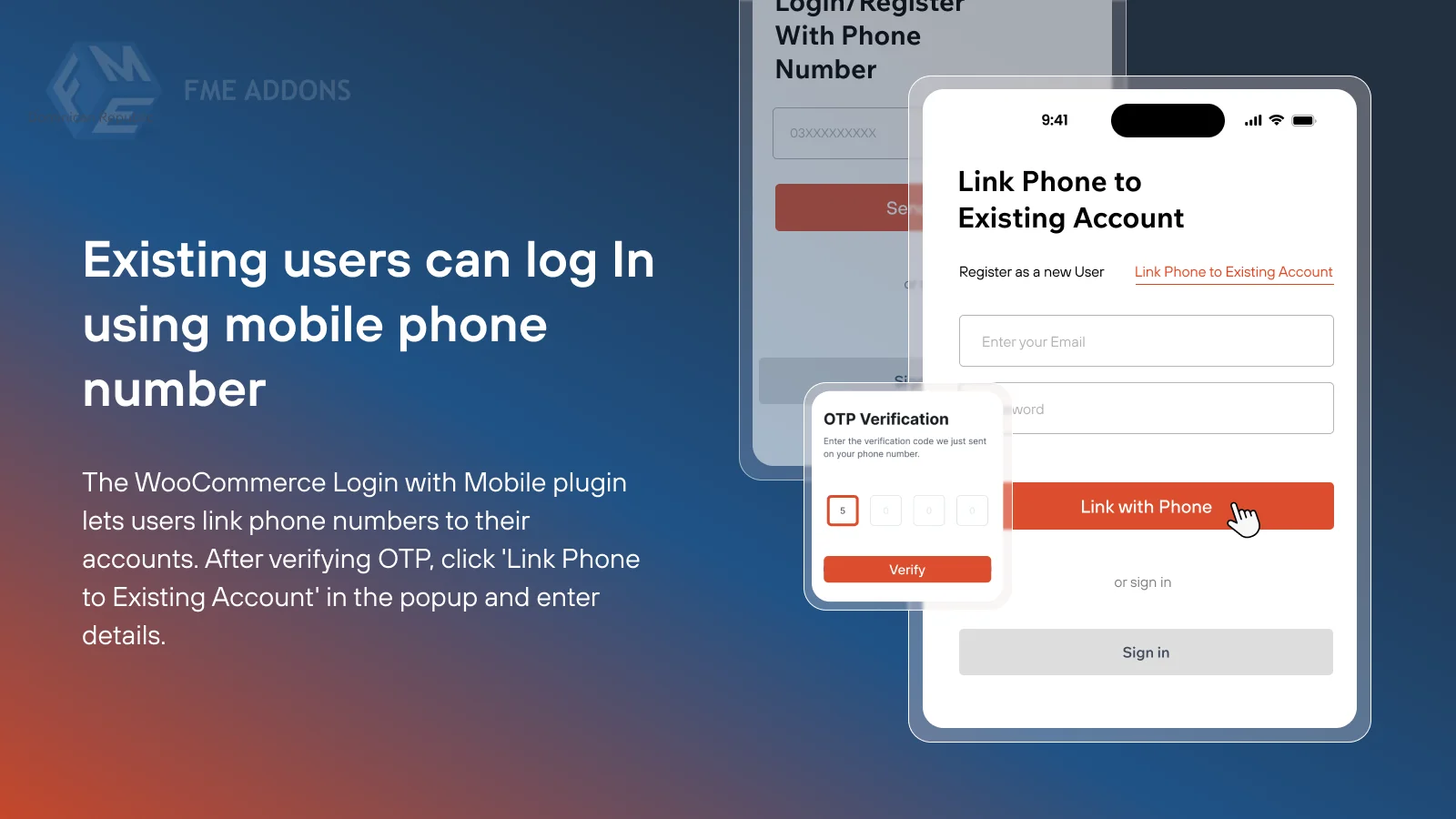


To allow users to register and log in to your WooCommerce store using their mobile phone numbers, you'll need to modify the default registration and login processes. By default, uses email addresses for user registration and login. To change this to mobile phone numbers, you can either use a plugin or custom code.
Methods to Achieve Registration & Login with Mobile Phone Number:
1. Using a Plugin:
Several plugins can enable mobile phone number registration and login without requiring custom coding. These plugins typically handle the necessary changes for you, including validating phone numbers and integrating SMS for verification. Some popular plugins are:- Phone Number Login:
- This plugin allows users to register and log in using their mobile phone numbers.
- It provides the option to send an SMS with a verification code for account validation.
- Once the phone number is verified, users can log in using their number instead of their email address.
- It also lets you manage phone number-based login attempts to prevent misuse.
- Key Features:
- SMS verification for phone number registration and login.
- Integration with checkout and user profiles.
- Customizable messages for SMS verification.
- OTP Verification for:
- This plugin integrates One-Time Password (OTP) verification into the registration and login process.
- Users can sign up and log in using their phone numbers, with OTP sent via SMS for verification.
- It supports various SMS gateways like Twilio, Nexmo, and others.
- User Registration – WooCommerce Add-on:
- This plugin allows phone number field integration on the WooCommerce registration page.
- It allows you to customize the registration form to include a phone number and to send SMS verification codes for registration and login.
2. Customizing WooCommerce with Code:
If you're comfortable with coding or need more flexibility, you can customize your WooCommerce setup to register and log in with a mobile phone number using the following steps.Steps to Add Mobile Phone Number to WooCommerce Registration & Login:
1. Add Phone Number Field to Registration Form:
First, you'll need to add a phone number field to the WooCommerce registration form. You can do this by hooking into WooCommerce's registration process.2. Save Phone Number to User Meta:
After the user registers, you need to save the phone number as user meta.3. Enable Login with Phone Number:
Now, you need to modify the WooCommerce login form to allow users to log in using their phone numbers. Here’s how you can hook into the login process:4. Send SMS Verification (Optional):
To ensure security, you might want to add SMS verification during registration. This requires integrating an SMS API, such as Twilio, Nexmo, or Plivo. The plugin-based approach mentioned earlier might be easier for this part.3. Testing:
Once the custom code or plugin is set up, test the registration and login process. Ensure the phone number is properly saved, and users can log in with their phone numbers.Summary:
- Using Plugins: A simpler way to enable mobile phone number-based registration and login. Plugins like WooCommerce Phone Number Login and OTP Verification for WooCommerce handle most of the work, including SMS verification and integrating with SMS gateways.
- Custom Code: For more control, you can customize WooCommerce registration and login forms by adding a phone number field, saving it to user meta, and modifying the login process to authenticate based on the phone number.




![Booknetic - Appointment Booking & Appointment Scheduling & Calendar reservation [SaaS]](https://gplpixel.com/wp-content/uploads/2024/06/Booknetic-Appointment-Booking-Appointment-Scheduling-Calendar-reservation-SaaS-400x203.jpg)

























